
Home / Journal / Why 38 keys is enough: fewer keys, less movement
Why 38 keys is enough: fewer keys, less movement
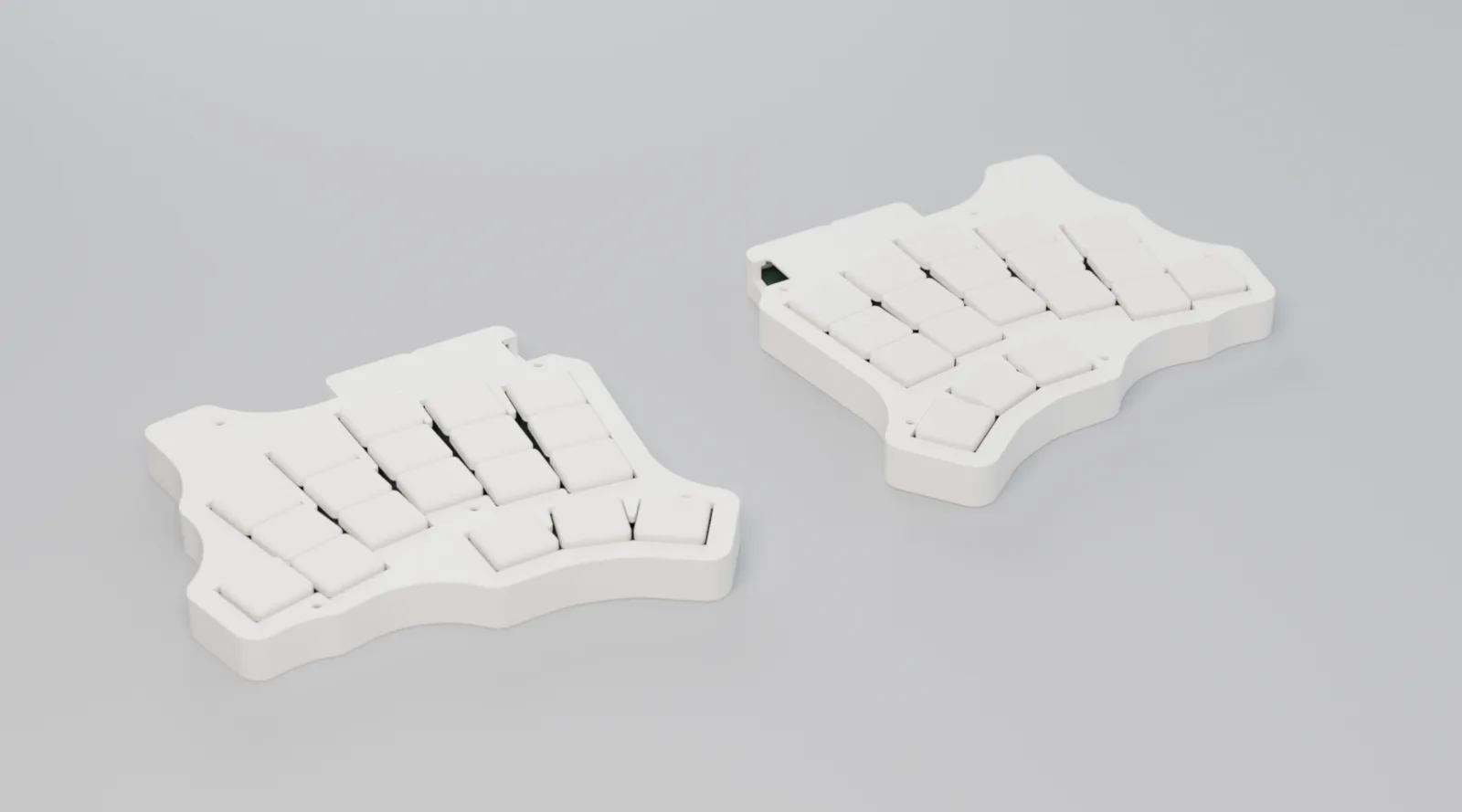
A full-size keyboard has 104 keys. Minos has 38. Nothing is missing. It's just closer.
Count the reaches, not the keys
What tires your hands isn't the number of keys you press. It's the distance between them. Reaching for the number row, the arrow keys or the number pad means stretching or lifting your whole hand, then finding home row again. On Minos, every key is at most one finger move from where your fingers rest.
Layers: the Shift key, extended
You already use a layer every time you hold Shift: the same keys type different characters. Mitus keyboards add more of these. Hold a thumb key and the keys under your right hand become a number pad. Hold another and the same keys become arrows, Home, End and Page Up/Down. Let go and you're back to letters. You move your thumb instead of your hand.
Home-row mods
Ctrl, Alt, Shift and Cmd can live on the home row itself. Tap a key and it types its letter. Hold it and it acts as a modifier. Shortcuts like copy, paste and undo never take your fingers off home row.
On Lagos, the mouse is a layer too
When you move the attachment in the Mitus Bay, the home row turns into mouse buttons. Hold a key to scroll or slow the pointer down for precise work. Pointing becomes part of typing, not a trip away from it.
Minos or Lagos?
- Minos, 38 keys: the smallest movement and the smallest footprint. A good fit if you're comfortable with layers or want to learn them, and you keep your own mouse.
- Lagos, 64 keys: keeps a number row and outer columns, so it feels familiar sooner. It adds the Mitus Bay for a trackball, TrackPoint or touchpad under your thumb.
Both run open-source QMK firmware, so you can change any layer later.
Designed to keep your hands on the keys.
Lagos (64 keys, with a pointer bay) and Minos (38 keys). Ships assembled. $100 refundable deposit.
Build yours